
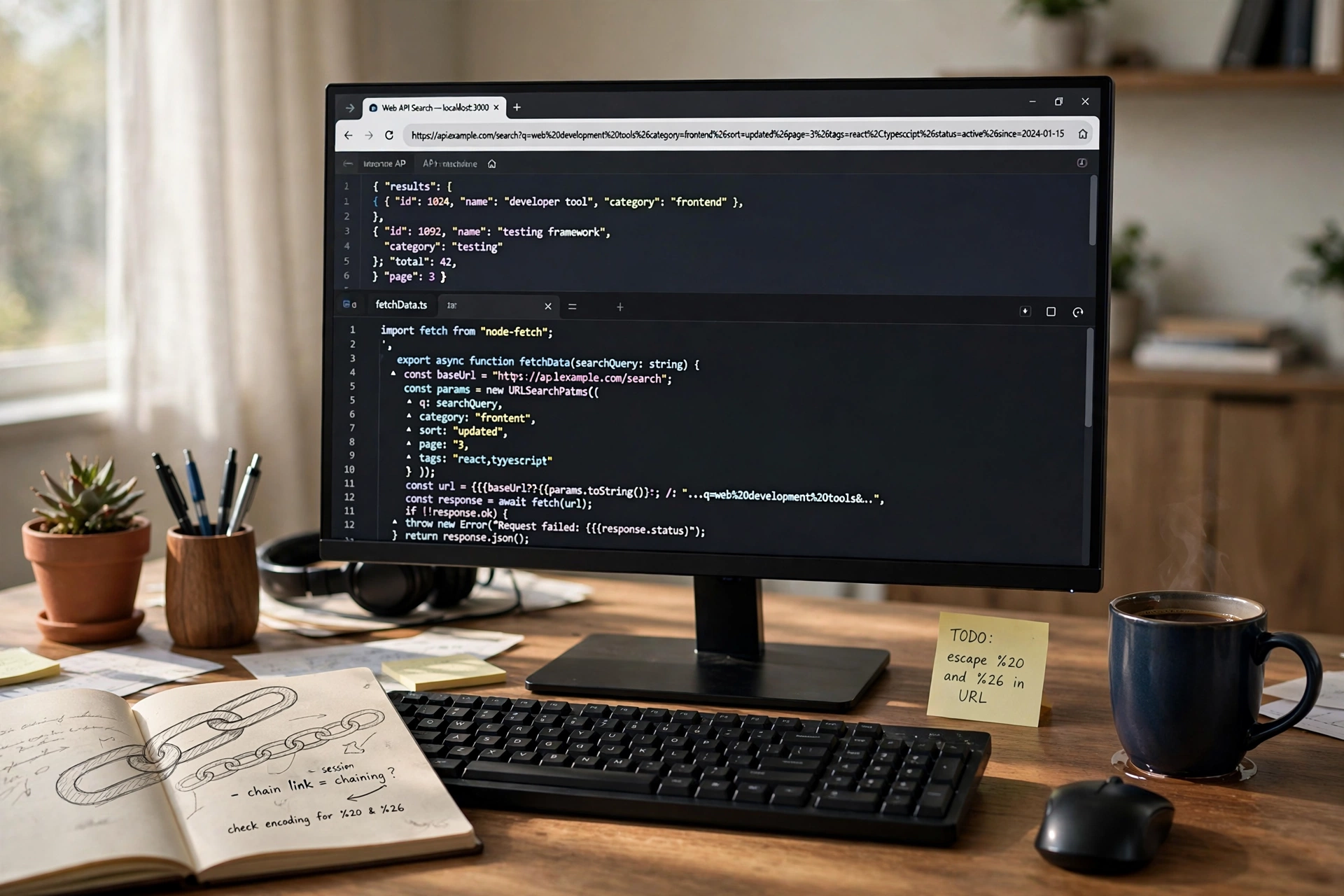
A URL encoder turns text that a web address cannot safely carry — spaces, ampersands, question marks, even whole Urdu words — into the percent codes you see in browser address bars, and a decoder turns those codes back into readable text. If you have ever copied a link and found it full of %20 and %26, you have met URL encoding. This guide explains exactly how it works, when you must encode (and when you must not), and gives you a free URL Encoder & Decoder for both directions.
Encode or Decode Any Text in Seconds
- Open the free URL Encoder & Decoder.
- Paste your text or your encoded URL.
- Choose Encode to make it URL-safe, or Decode to make an encoded string readable again.
- Copy the result. Everything runs in your browser with built-in JavaScript — nothing is uploaded to a server.
What Is URL Encoding (Percent-Encoding)?
URL encoding — formally percent-encoding — is the system defined by the URL standard (RFC 3986) for carrying characters that a URL cannot contain directly. Each unsafe character is replaced by a % sign followed by two hexadecimal digits that identify the character’s byte. A space, for example, is byte 32 in the character table — 20 in hexadecimal — so it becomes %20.
Two consequences follow from that simple rule. First, encoding is not encryption: anyone can decode a percent-encoded string instantly, which is why passwords must never travel in a URL. Second, characters outside the plain English set are first converted to their UTF-8 bytes and each byte is percent-encoded — which is why a single Urdu word becomes a long string of codes (shown below).
Why URLs Need Encoding at All
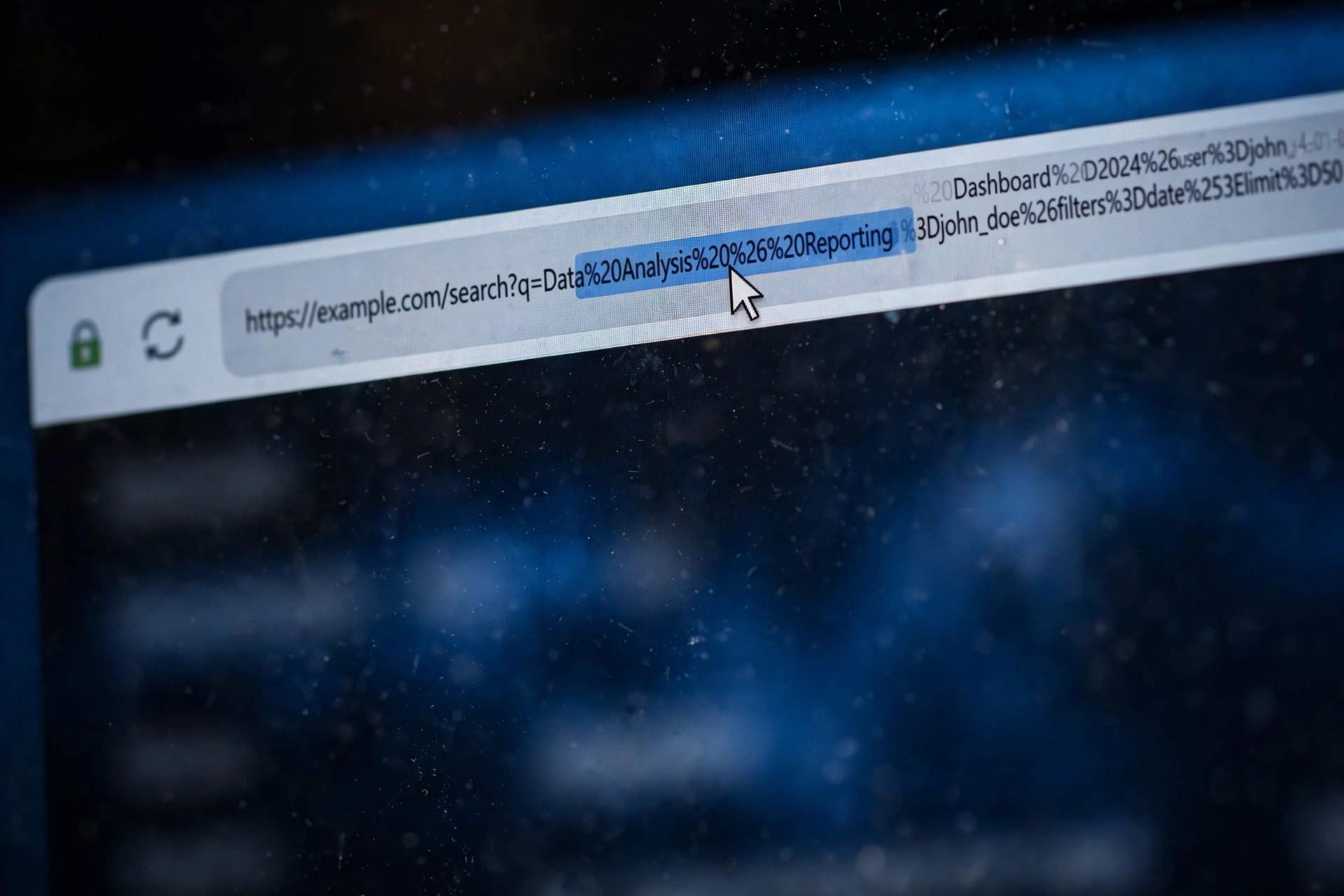
Some characters already have jobs inside a URL’s structure. In example.com/search?q=tea&page=2, the ? starts the query string, each & separates one parameter from the next, and = ties a value to its name. Now imagine the search text itself is “fish & chips”: written raw, the browser would read it as a parameter called “fish ” and another called ” chips”. Encoding the value as fish%26chips keeps the ampersand as data instead of structure. The same logic applies to # (fragment), / (path separator) and spaces, which are simply not allowed raw in an address.
Reserved vs Unreserved Characters
The standard divides characters into two families:
- Unreserved characters — letters
A–Z a–z, digits0–9, and- _ . ~. These are safe everywhere and are never encoded. - Reserved characters —
: / ? # [ ] @ ! $ & ' ( ) * + , ; =. These have structural jobs, so inside a value they must be encoded to lose their special meaning.
That is why, after encoding, your text still looks mostly readable: the letters pass through untouched and only the troublemakers are converted.
The Character Table You Will Actually Use
| Character | Encoded | Character | Encoded |
|---|---|---|---|
| Space | %20 | & (ampersand) | %26 |
| = (equals) | %3D | ? (question mark) | %3F |
| # (hash) | %23 | / (slash) | %2F |
| : (colon) | %3A | + (plus) | %2B |
| % (percent) | %25 | @ (at sign) | %40 |
| ! (exclamation) | %21 | ‘ (apostrophe) | %27 |
So my file name.pdf becomes my%20file%20name.pdf, and the search value urdu poetry&lang=ur becomes urdu%20poetry%26lang%3Dur. Paste either into the decoder and you get the original back, character for character.
Full URL vs Component Encoding — the Difference That Breaks Links
The most common encoding mistake is treating a whole URL and a single value the same way:
- Component encoding (for one value inside a URL — a search term, a filename, a redirect target): encode everything unsafe, including
/ ? & =. This is what our tool does, and what JavaScript’sencodeURIComponentdoes. - Full-URL encoding (for an address you are assembling): the structural characters
: / ? & =must stay as they are, or the address stops working — only the values inside it get component-encoded. JavaScript’sencodeURIfollows this logic.
Get it wrong in one direction and parameters split in the wrong places; get it wrong in the other and you produce the classic bug visible in long links — %253D, which is a percent-encoded %3D: the string was encoded twice. If you see %25 at the start of codes in a URL, it has almost certainly been double-encoded.
Spaces: %20 or + ?
Both exist, in different places. In the path of a URL, a space is %20 — a + there literally means a plus sign. In a query string produced by an HTML form (the application/x-www-form-urlencoded format), a space may be written as + — which is why searches sometimes show urdu+poetry. Servers accept %20 in queries too, so when in doubt, %20 is the safe universal choice.
Urdu and Other Non-English Text in URLs
Because encoding works on UTF-8 bytes, non-English text expands dramatically. The word اردو (Urdu) is four characters but eight UTF-8 bytes, so it becomes %D8%A7%D8%B1%D8%AF%D9%88. This is why links to Urdu, Arabic, Chinese or emoji-containing pages look like walls of percent signs when copied — the link is fine; it is simply wearing its encoding on the outside. Decoding restores the original text exactly. (Prefer short, readable addresses for your own pages? Our Slug Generator builds clean URL slugs from titles.)
4 Encoding Mistakes That Break Links
- Double encoding — encoding an already-encoded string (
%20→%2520), usually when a framework and a developer both do the job. - Encoding the structural characters — turning
https://intohttps%3A%2F%2Fdestroys the address. - Leaving & or = raw inside a value — the server then reads extra, wrong parameters.
- Assuming encoding hides data — it does not. Never place passwords, tokens you care about, or personal data in a URL, encoded or not.
URL Encoding vs Base64 — Not the Same Tool
Percent-encoding only swaps the unsafe characters and leaves the rest readable. Base64 is a different system that re-writes all data — text, images, files — into a uniform A–Z, a–z, 0–9, +, / alphabet, mainly for carrying binary data inside text formats. They solve different problems and are not interchangeable; when you need the other one, use our Base64 Encoder & Decoder.
Frequently Asked Questions
What does an “encoded URL” mean? It means the address contains percent codes in place of characters a URL cannot carry directly — spaces, symbols, or non-English letters. Browsers and servers decode it automatically; you only notice it when copying links or debugging.
How do I decode a URL full of % signs? Paste it into the decoder and choose Decode. %20 becomes a space, %26 an ampersand, and UTF-8 sequences become their original characters, including Urdu text.
Why does my copied link look different from the one in the address bar? Browsers often display a friendly version (with real spaces or Urdu letters) but copy the encoded version, because the encoded form is the one that is guaranteed to work everywhere.
Is URL encoding a security feature? No. It is a transport format, reversible by anyone in one click. Treat everything in a URL as public.
Should I encode a URL I am sharing on social media? Platforms handle normal links automatically. Encode only when you are building a link with parameters by hand — a search link, a redirect, or a pre-filled message — where your values contain spaces or symbols.
Final Words
URL encoding is a small system with one job: let any text travel inside an address without breaking the address itself. Remember the pattern — percent sign, two hex digits, UTF-8 underneath — respect the difference between a whole URL and a single value, and the messiest link becomes readable again. Keep the free URL Encoder & Decoder bookmarked for both directions.
Pingback: CSS Minifier — Minify CSS Online Free (Shrink Your CSS Fast)
Pingback: How to Generate a QR Code Online Free — WiFi, Links & Print Guide
Pingback: Case Converter — Change Text Case Online Free (UPPER, lower, Title)