
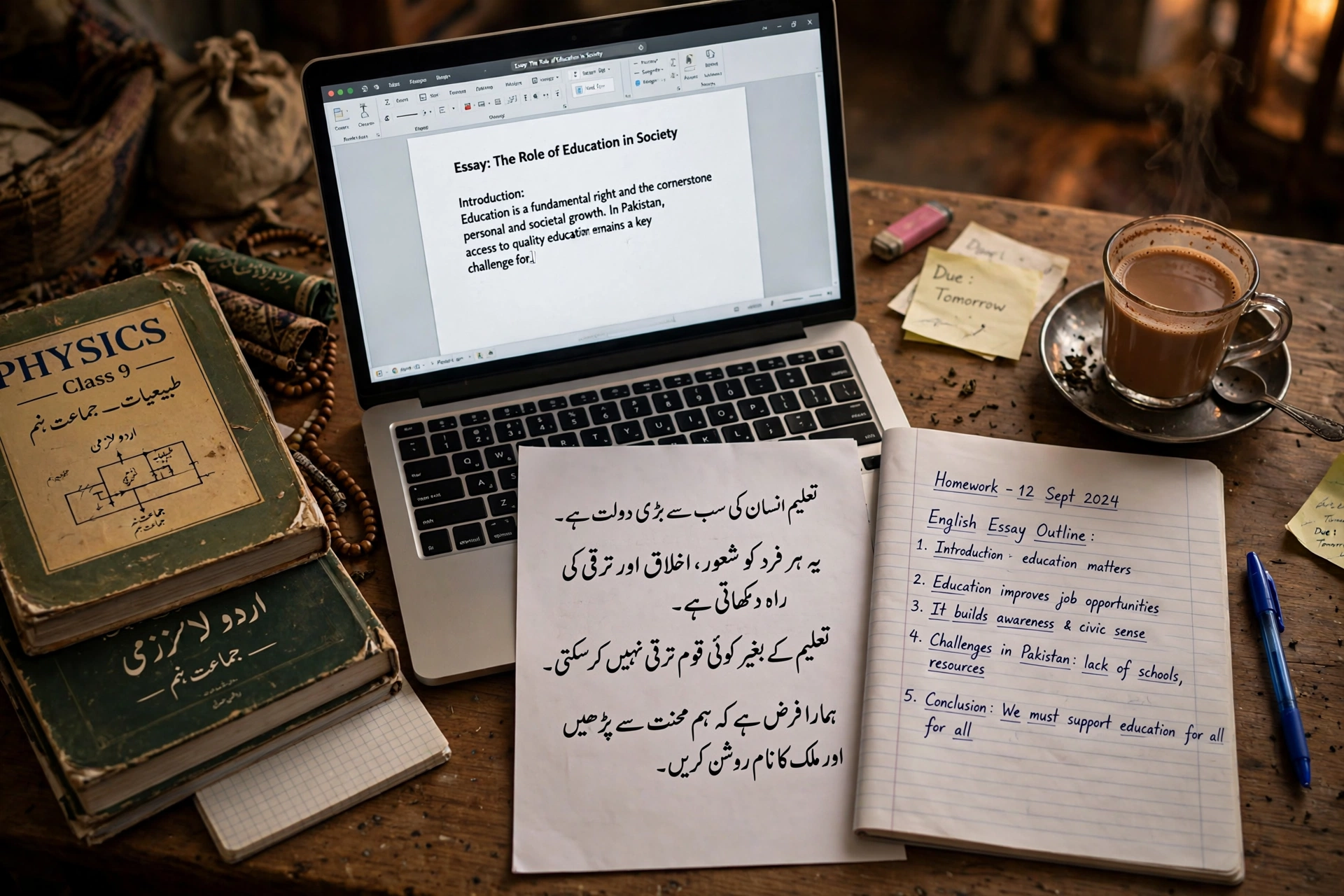
A text to handwriting converter in Urdu is one of the most searched-for study tools in Pakistan — and one of the hardest to find. Handwritten assignments are still compulsory in schools, colleges and universities across the country, but almost every handwriting converter online works only in English. Our free Text to Handwriting Converter is different: alongside English handwriting fonts, it renders typed Urdu in authentic Nastaliq script, right-to-left, ready to download as an image or PDF. This guide shows how to get a result that genuinely looks written by hand.
How to Convert Text to Handwriting (Urdu or English)
- Open the free Text to Handwriting Converter.
- Choose the Script/Style: an English handwriting font, or Urdu Nastaliq.
- Type or paste your text — an essay, assignment answers, notes, anything.
- Pick the paper style (ruled or plain) and ink colour (blue or black).
- Set the font size — around 26–30px looks most like a real notebook page.
- Generate, then download each page as an image or all pages combined as one PDF. Long text is split across pages automatically. Everything renders in your browser — your text is never uploaded anywhere.
Why Urdu Nastaliq Support Is So Rare
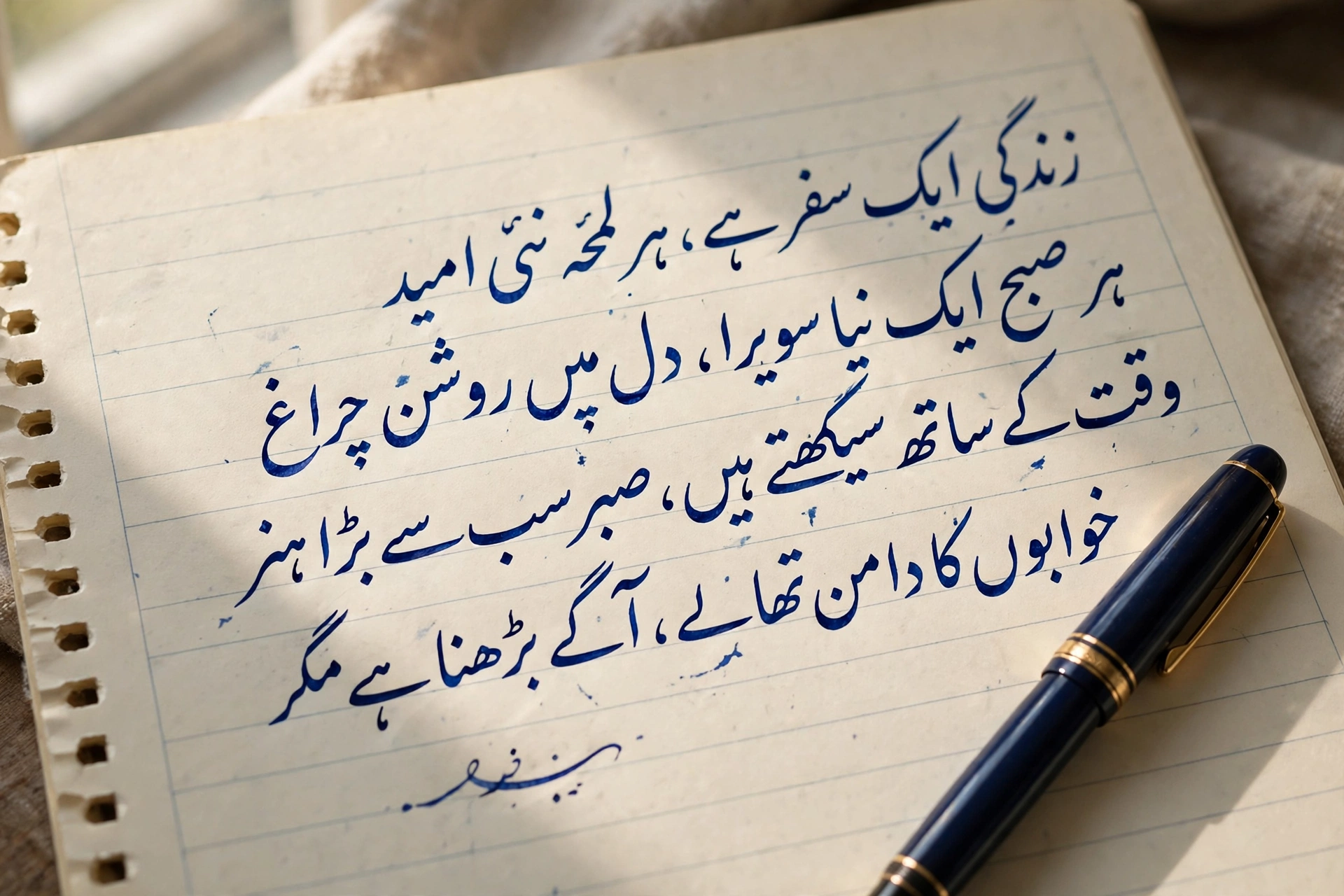
English handwriting fonts are easy: one letter follows another in a straight line. Urdu is the opposite. Its letters join and change shape depending on their position in a word, the script flows right-to-left, and Nastaliq lines slope and stack in a way flat fonts cannot imitate. Most converter tools simply skip Urdu rather than solve this — which is exactly why Urdu-medium students, madrassah students and anyone preparing Urdu notes have been left copying pages by hand. A converter that renders real Nastaliq, with correct direction and connected letterforms, is doing the genuinely hard part.
7 Tips for a Result That Looks Truly Handwritten
- Ruled paper + blue ink is the classic school-notebook combination — it reads as “assignment” instantly.
- Keep the font size at 26–30px. Much larger looks like a poster; much smaller looks printed.
- For Urdu, keep lines reasonably short. Nastaliq flows most naturally when sentences are not stretched across very long lines.
- Use one script per generation. English and Urdu use different directions and fonts — generate mixed documents in two parts (merging explained below).
- Keep the same ink colour and size across all pages of one assignment, just like one pen would produce.
- Print at 100% scale on A4 so the writing size matches a real hand.
- Check your word count first. If the teacher set 500 words, count them with our Word Counter guide and tool before converting — far easier than counting handwritten pages later.
Who Uses a Text to Handwriting Converter?
- Students turning typed drafts into handwritten-style assignments and homework.
- Urdu-medium and madrassah students preparing Urdu notes and assignments in proper Nastaliq.
- Teachers making handwriting practice sheets and model answers without writing each one out.
- Anyone writing a letter or card who wants it to feel personal instead of printed.
- Revision notes — long typed notes converted into a neat, printable handwritten-style PDF.
One honest note: the output is handwriting-style. If your institution requires work in your own hand, use the converter for drafts, practice sheets and notes — and always follow your teacher’s rules for graded submissions.
Mixing English and Urdu in One Document
Many Pakistani assignments are genuinely mixed — an English essay with an Urdu quotation, or Urdu notes with English technical terms. Because the two scripts render in opposite directions, the converter handles one script per generation. The workflow is simple: generate the English pages and the Urdu pages separately, download both as PDFs, then join them in order with our free PDF Merger. The result is a single, tidy document.
Frequently Asked Questions
Is the Urdu output real Nastaliq? Yes. The Urdu mode renders in the Nastaliq script style with correct right-to-left direction and connected letterforms — not a Latin font with Urdu pasted into it.
How many pages can I generate? As many as your text needs. Long text is automatically divided into multiple ruled or plain pages; download them one by one as images or combined into a single PDF.
Is my text uploaded to a server? No. The conversion happens entirely in your browser using the Canvas API — assignments and personal notes never leave your device.
Can I convert Roman Urdu too? Yes — Roman Urdu is written in Latin letters, so type it and choose any English handwriting font. For script Urdu, switch to the Nastaliq mode.
Is it really free? Yes — no sign-up, no watermark, no page limit.
Final Words
Handwritten work is not disappearing from Pakistani classrooms any time soon — but the hours of copying do not have to stay. Type your text once, convert it with the free Text to Handwriting Converter in Urdu Nastaliq or English handwriting, download the PDF, and print. What used to take an evening now takes about a minute.